
Site-specific risk assessments
Site-specific risk assessments.Done properly, on site.
Complete site-specific risk assessments before work begins, get the crew signed on, and sync the completed record back to the office. Even without mobile signal.
- Works offline
- Crew sign-off on device
- Syncs back to the office
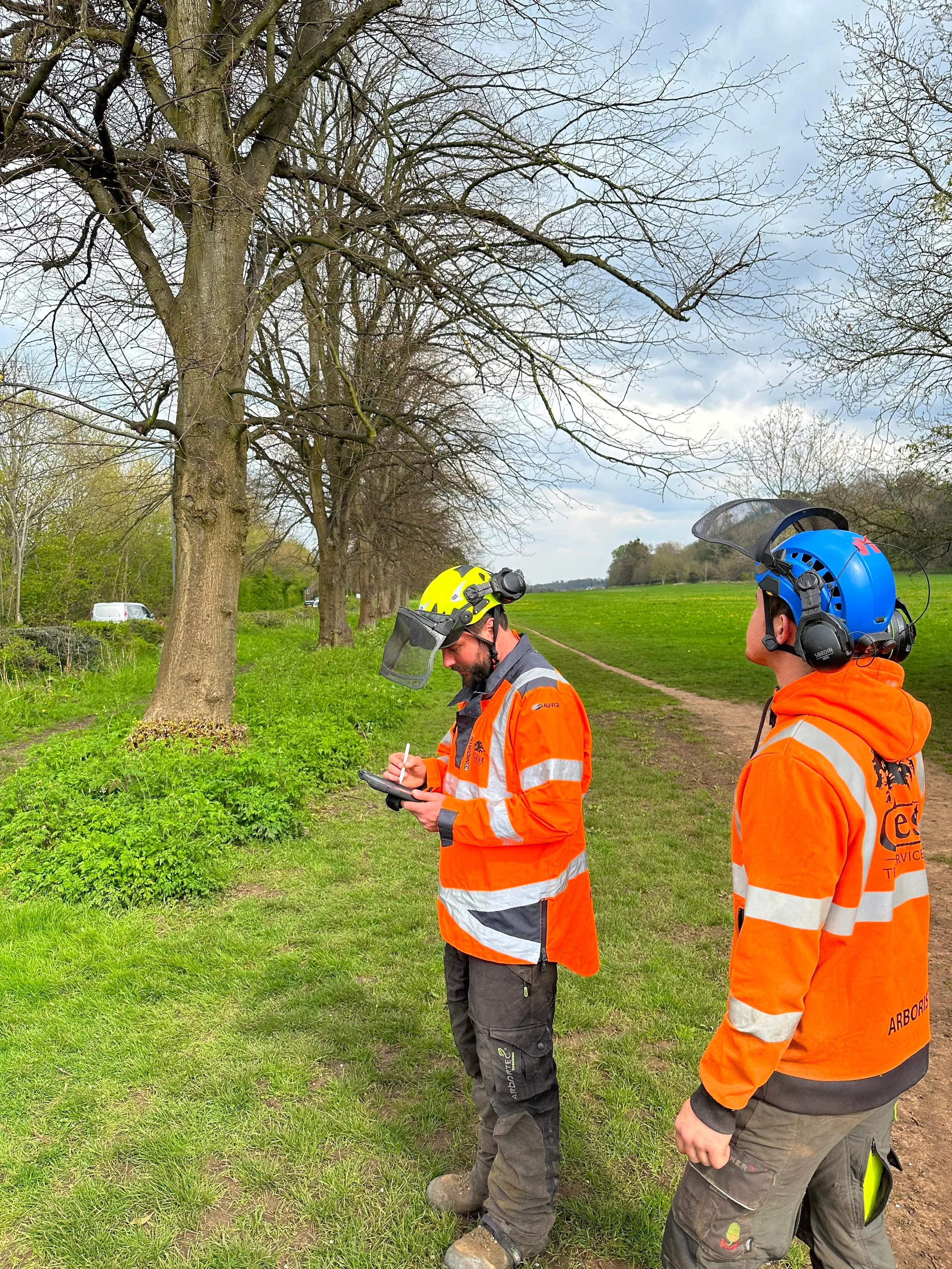
Watch us complete a real site risk assessment in 3 minutes.
See a real site-specific risk assessment completed in ArbHub.
Real ArbHub. Real tree surgery workflow.
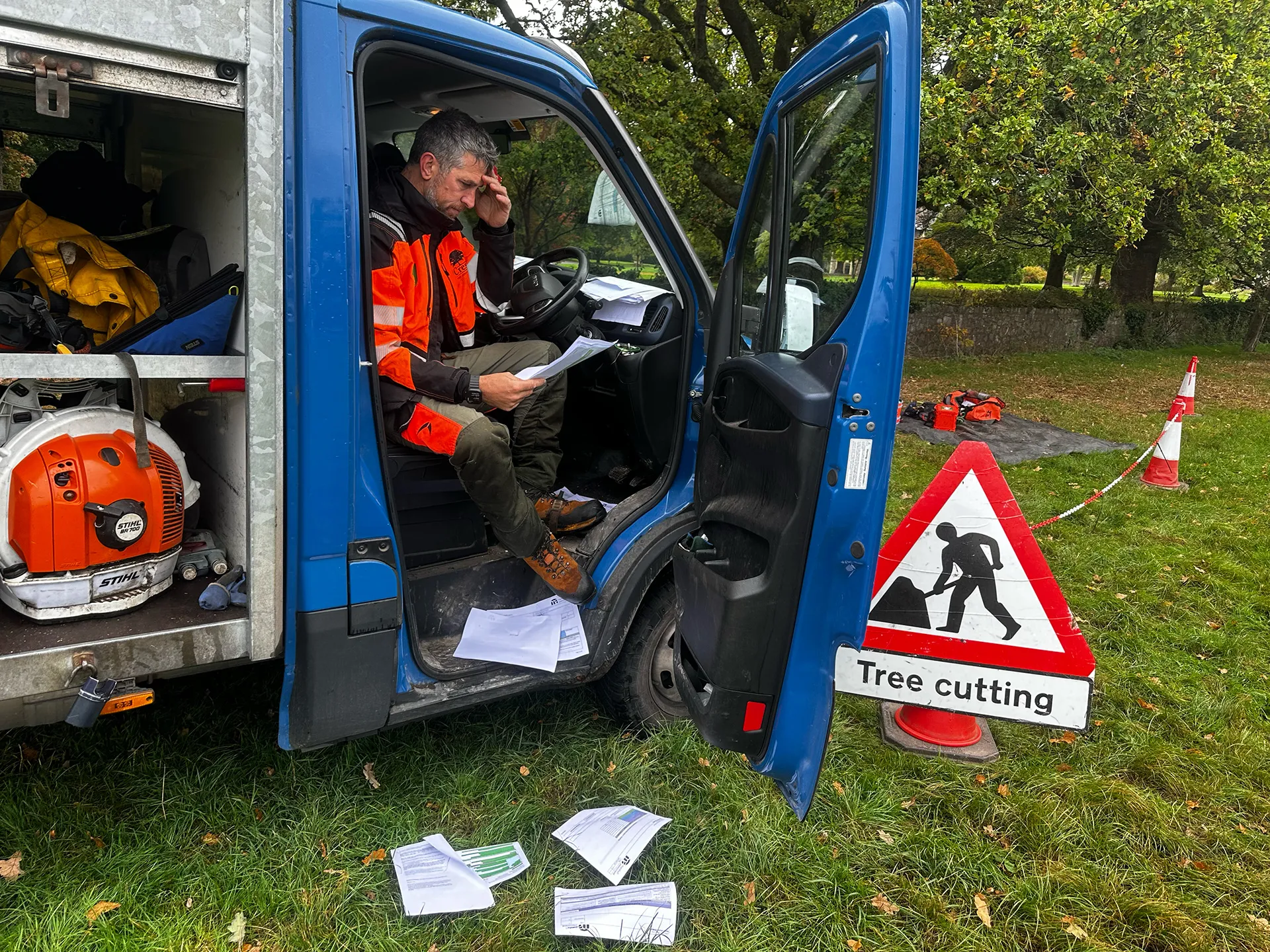
Still doing this on paper?
Paper risk assessments get left in vans, damaged, misplaced or need filing when you get back to the office.
With ArbHub, the assessment is completed on site, signed by the crew and kept with the job.
From site to office
One connected record — opened on site, completed and signed by the crew, then synced back to the office.
- Job
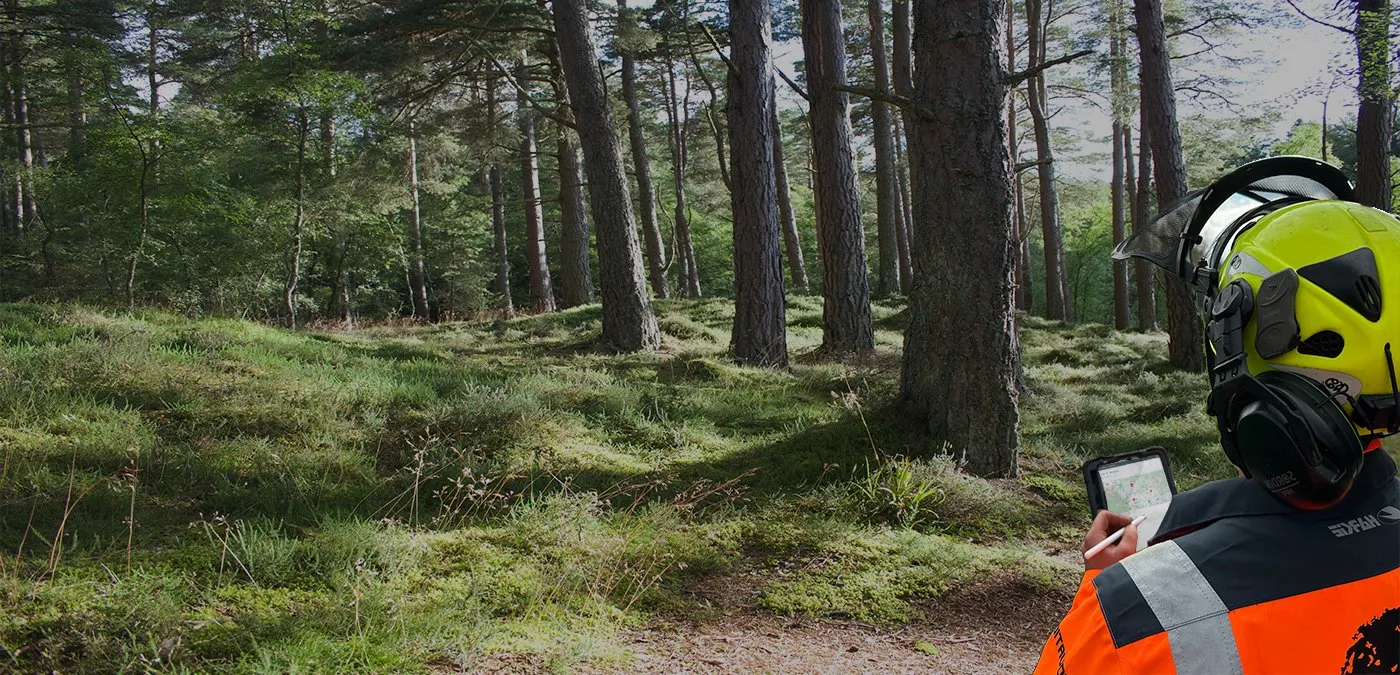
1. Open the job
Open the job on a phone or tablet when the crew arrive.
- Assessment
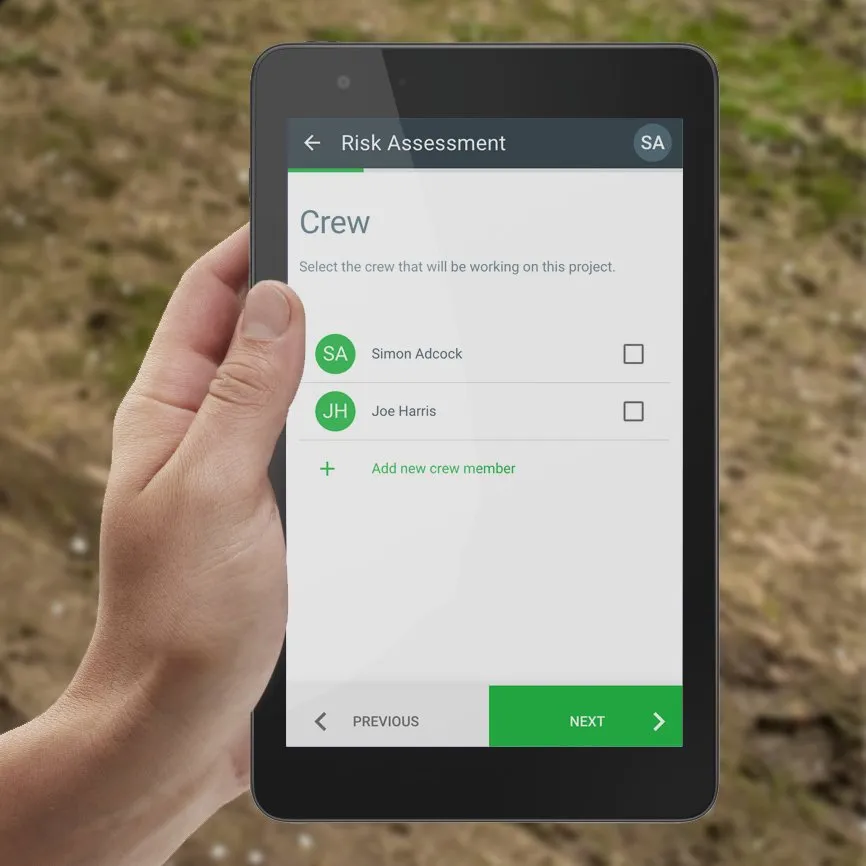
2. Complete the assessment
Add work activities, hazards, controls and site-specific information.
- Crew sign-off
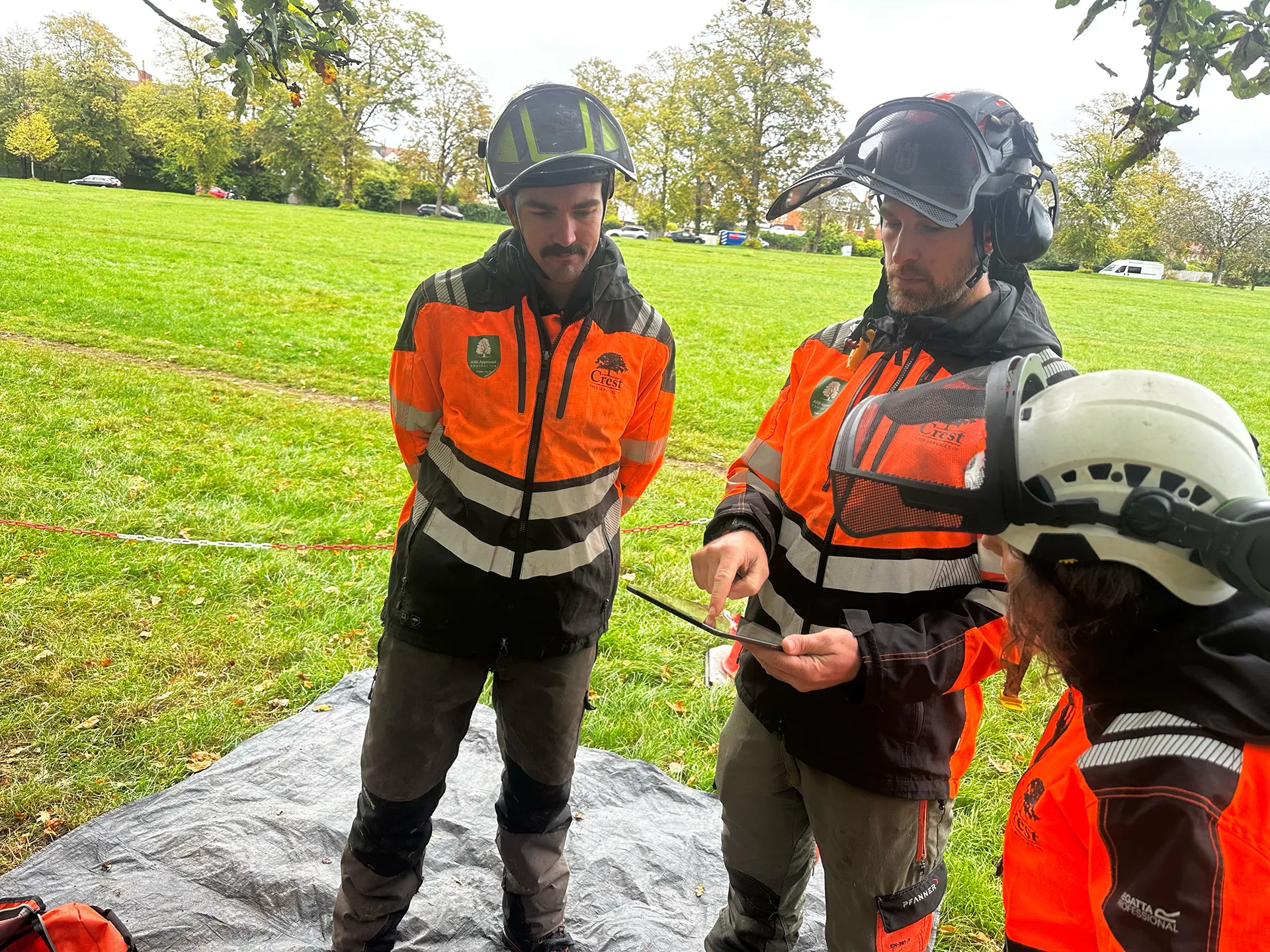
3. Sign on the crew
Crew members sign the assessment before work begins.
- Office / cloud
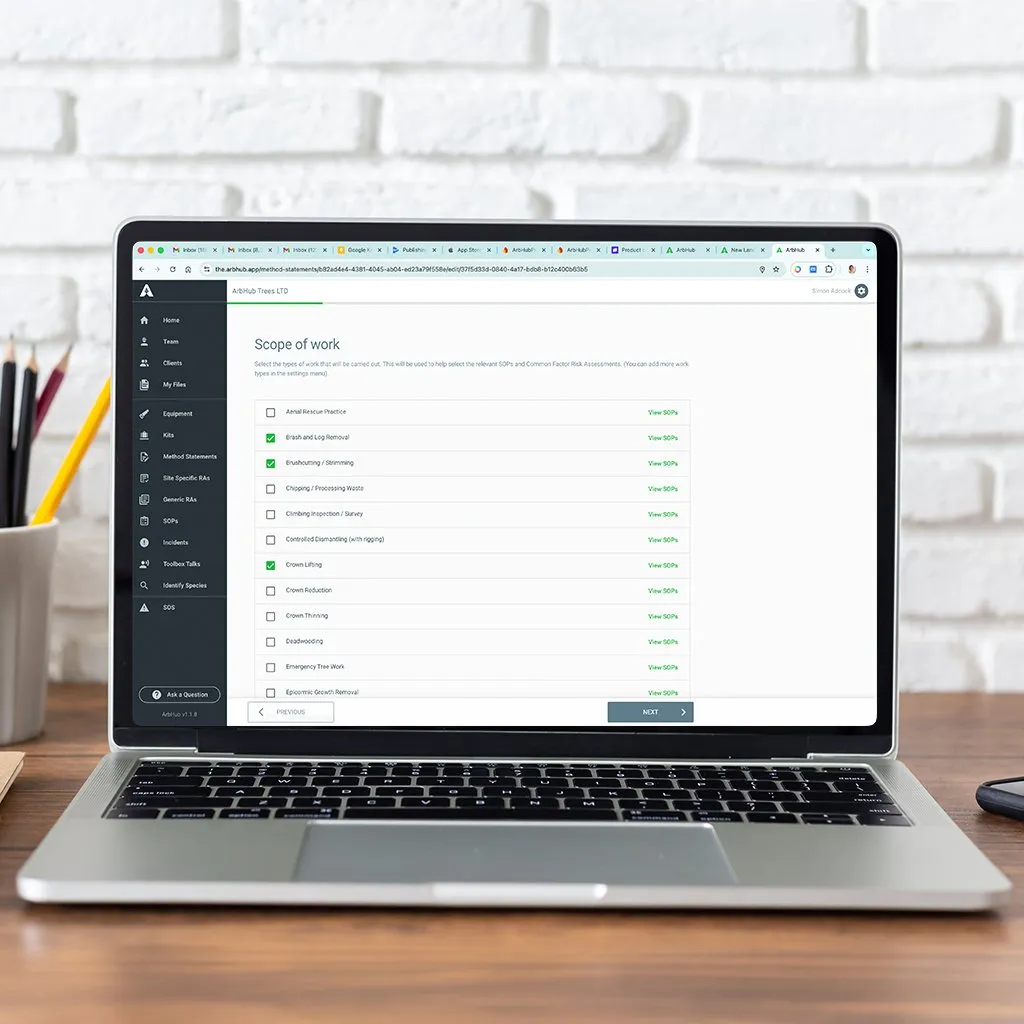
4. Sync back to the office
The completed record synchronises back to the cloud when the device reconnects.
No signal? No problem.
ArbHub's core site workflow works offline. Records are saved on the device and synchronise back to the cloud when the device reconnects.
Some external services, such as What3Words lookup, require an internet connection.
- Saved on the device
- No signal on site
- Synced when reconnected
“Simple, intuitive and reliable.”
Dan Richards
CEO, Melius Innovations

What else ArbHub can do
Explore all featuresRisk assessment questions
Does ArbHub work without mobile signal?
Yes. ArbHub's core site workflow works offline and will synchronise when the device reconnects. Some external services such as What3Words lookup require an internet connection.
Can everyone on the crew sign the assessment?
Yes. Crew members included on the site-specific risk assessment can be named and sign the completed record.
Who needs an ArbHub user account?
Anyone who needs to use ArbHub or be named on a site-specific risk assessment needs an active user account.
Can I use ArbHub on a phone or tablet?
Yes. ArbHub is designed to work across mobile devices, tablets and computers.
Do I need to enter everything again at the office?
No. Completed site records synchronise back to the cloud and stay with the relevant job.
See how ArbHub would work on your jobs
Book a free 30-minute demo and we'll show you how your team could complete site-specific risk assessments in ArbHub.