
ArbHub

Equipment & inspections

Equipment inspections.All your kit records together.

Still tracking equipment inspections in a spreadsheet? Keep your tree surgery equipment, kit assignments and inspection history together in ArbHub, with push notifications to remind you when checks are due.

  • Equipment & kit register
  • LOLER & PUWER records
  • Push notification reminders
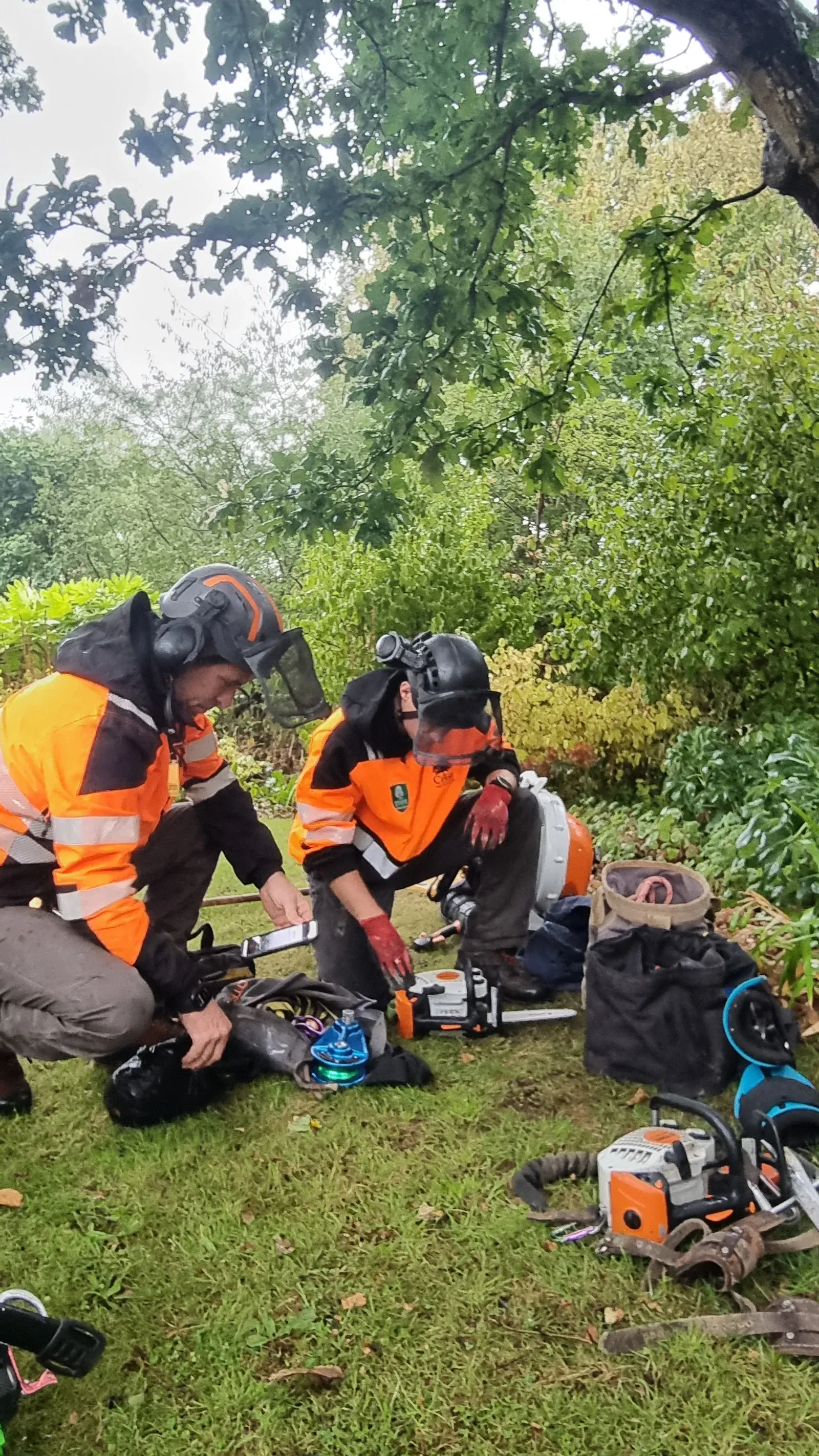
Two arborists checking their chainsaw and climbing equipment with a phone beside the kit

From scattered records to one history

Which kit is due its next inspection?

The serial number is in a spreadsheet. The inspection report is in a folder. The kit has been handed to someone else.

ArbHub brings those records together, so you can find the item, see who has it and review its checks without piecing the history together.

See the equipment workflow

Built for tree surgery teams

Know your gear. Keep its history.

The register, the person using the kit and the records of its checks, all in the same system.

A record for every item

Keep the details with the equipment, from climbing kit to machinery.

  • Record makes, models, serial numbers, dates, notes and files.
  • Find equipment by type, kit or assigned person.
  • Link QR codes or NFC tags to quickly identify individual items in ArbHub.
  • Track active, quarantined and decommissioned items.
Know who has which kit

Group items into kits and keep track of who they are assigned to.

  • Assign individual items or a whole kit to a team member.
  • Record an optional signature when handing equipment over.
  • Inspect a kit with a result, notes and photos for each item.

Keep checks and inspections together

Record LOLER, PUWER and pre-use checks against the item they relate to.

  • Use checklists with pass/fail results, notes and photos.
  • Set inspection intervals and checklists by equipment type.
  • Review the inspection history by equipment type and date.

Find the history when you need it

Keep inspection, service and assignment records connected.

  • See which inspections are due or overdue.
  • Get push notifications for equipment reminders, including upcoming inspections.
  • Export equipment records and LOLER or PUWER inspection matrices for review in Excel.
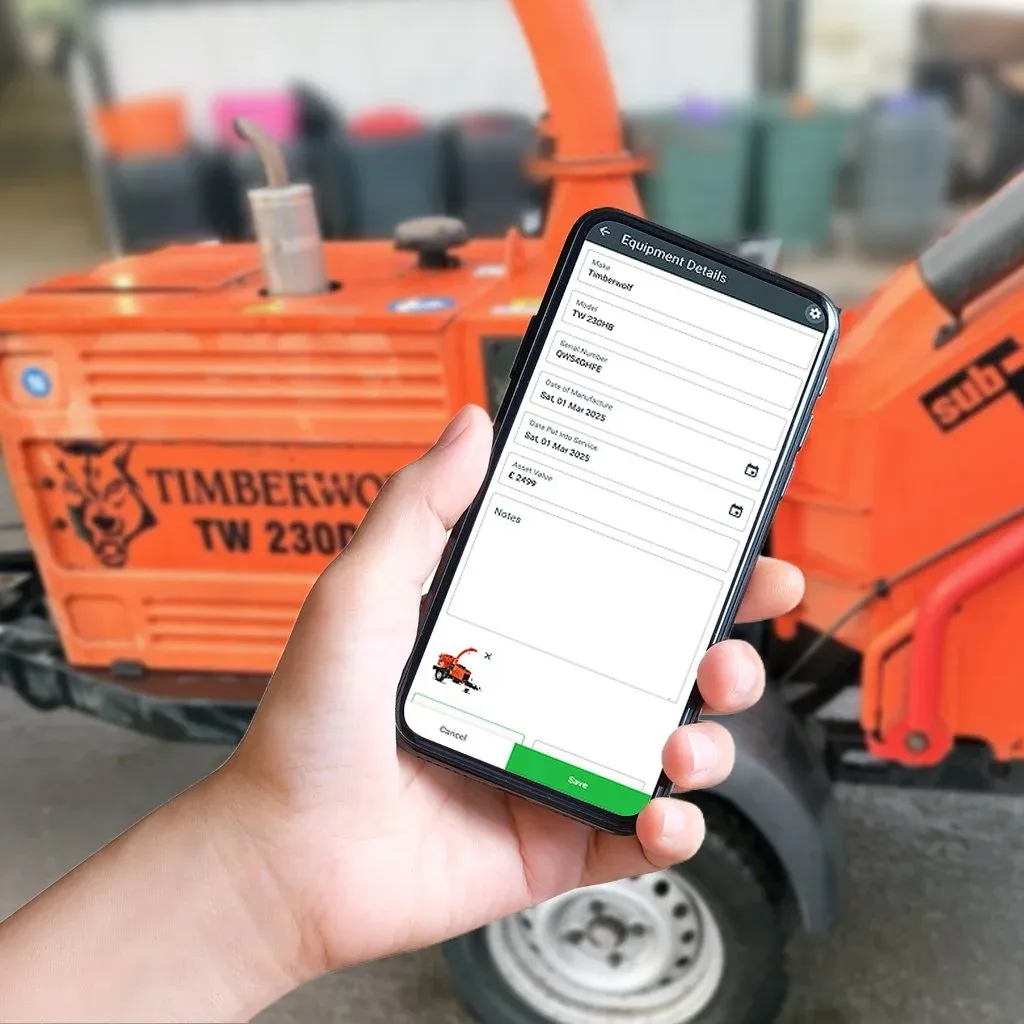
An equipment record in ArbHub on a phone, showing a wood chipper’s details

Scan a QR code. Tap an NFC tag. Find your kit.

Link a QR code or NFC tag to an equipment item, then scan the code or tap the tag to quickly identify it in ArbHub. Keep its details and inspection history close to hand when you’re working with the kit.

You can also use Scannable’s specialist NFC tags with ArbHub, including tags for carabiners and other arb equipment.

Browse NFC tags at Scannable(opens in a new tab)

ArbHub is not affiliated with Scannable and we don’t earn a commission from purchases.

From adding an item to its next inspection.

Use a connected record throughout the life of your equipment, rather than starting again each time a check is due.

  1. Register the item

    Add the equipment details, serial number and supporting files, then link a QR code or NFC tag for quick identification.

  2. Assign the kit

    Group items into a kit and assign it to the person using it.

  3. Record the check

    Complete the relevant checklist with results, notes and photos.

  4. Review what’s next

    See due and overdue inspections, set reminders and export records.

“Simple, intuitive and reliable.”

Dan Richards

CEO, Melius Innovations

Melius Innovations

Keep qualifications, first-aid training and competence expiry dates in ArbHub too, with push notifications for upcoming renewals and warnings on the team list.

Explore training & competence records

Equipment & inspection questions

Can ArbHub keep LOLER and PUWER inspection records?

Yes. Record checks and inspections against your equipment using checklists, pass/fail results, notes and photos. Review LOLER and PUWER inspection history by equipment type and date.

Can I group equipment into a climber’s kit?

Yes. Group equipment into kits, assign individual items or whole kits to people, and record an optional signature at handover. You can inspect a kit with results for each item.

Can I see when inspections are due?

Yes. The equipment register shows due and overdue inspections. You can set inspection intervals by equipment type and schedule recurring inspection, service and maintenance reminders.

Can ArbHub send push notifications for equipment reminders?

Yes. ArbHub supports push notifications for equipment reminders, including upcoming inspection checks. Enable notifications for ArbHub on your device to receive them.

Can I export my equipment and inspection records?

Yes. Export equipment and inspection records as CSV files. LOLER and PUWER checklist results can also be exported as a matrix that opens in Excel, filtered by equipment type and date.

Does recording an inspection in ArbHub certify the equipment?

No. ArbHub stores the records of your checks and inspections. Saving a record does not itself examine or certify the equipment.

Let’s walk through your equipment records.

Book a free 30-minute demo with Sam or Simon. We’ll show you how equipment, kit assignments and inspection records fit together in ArbHub.

Free 30-minute video call.No sales team. No hard sell.

Necessary storage is always on. We save your cookie preferences on this device for up to six months.