
ArbHub

Training & competence

Your crew’s training records.Know what’s due.

Still chasing the crew’s training records? Keep qualifications, first-aid training and competence expiry dates together for your tree surgery team, with push notifications for upcoming renewals.

  • Team qualification records
  • Push notification reminders
  • Toolbox talk sign-off
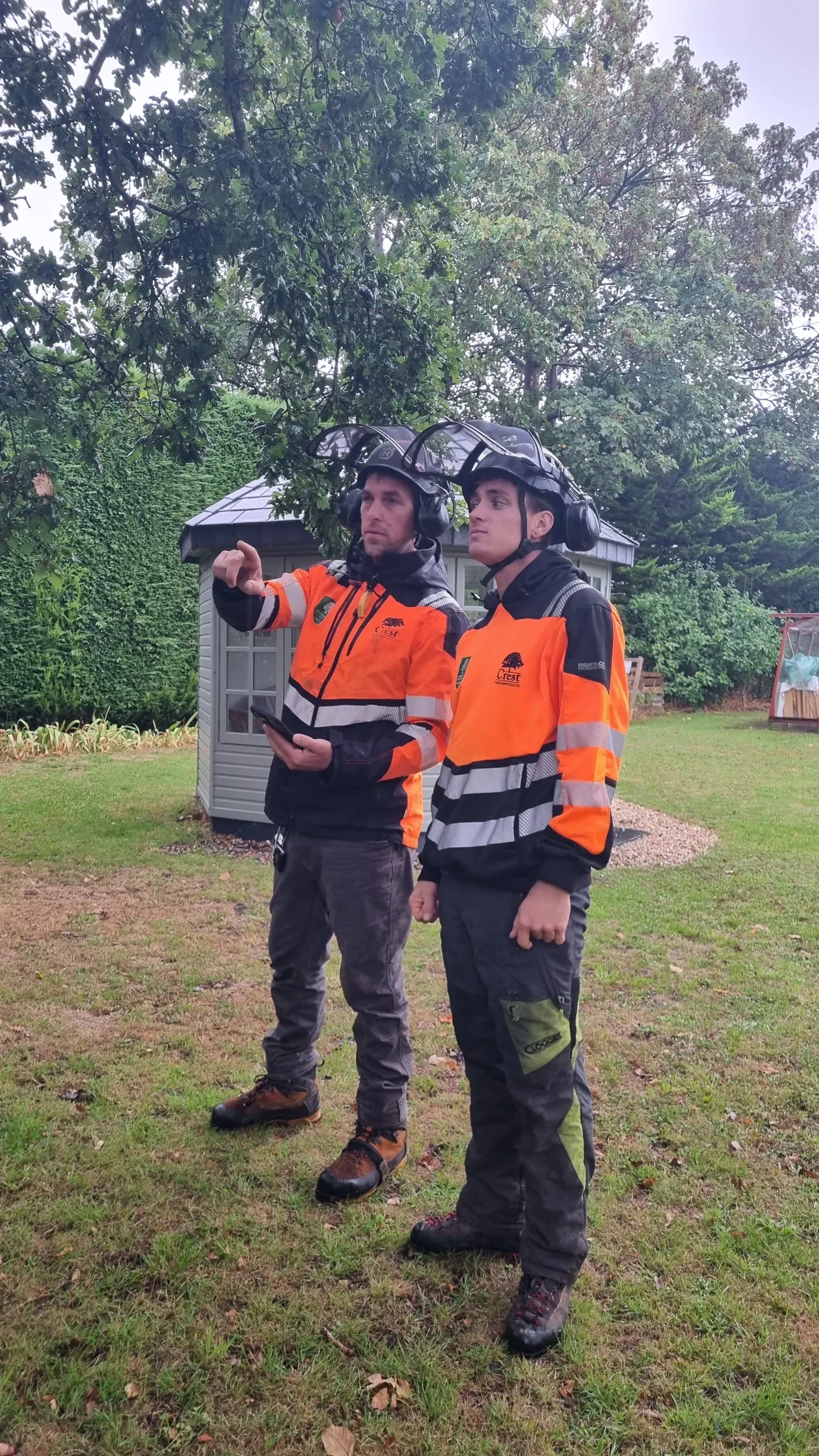
Two tree surgery crew members discussing the work on site

Less chasing. A clearer record.

Whose training is due for renewal?

When qualification details are spread across messages, folders and spreadsheets, checking the team means chasing the information first.

Keep the records with the person in ArbHub. Review qualifications and first-aid training, check expiry dates and see warnings from your team list.

People & site safety

Know the crew. Keep the records connected.

Bring qualification information, renewal dates and briefing records into the same system your team uses for site paperwork.

A record for each team member

Keep the people in your tree surgery business and their qualification information organised.

  • Maintain team profiles, roles and qualification records.
  • Keep first-aid training information alongside other competences.
  • Invite, deactivate and reactivate team members as your crew changes.
See what’s coming up for renewal

Record competence and training expiry dates, with push notifications to prompt you about upcoming renewals.

  • Keep relevant expiry dates with the person’s record.
  • Get push notifications for competences coming up for expiry.
  • Review warnings on the team list when planning training and renewals.

Keep a record of crew briefings

Plan toolbox talks and record who attended, alongside your other team records.

  • Record the topic, facilitator, date and notes.
  • Add supporting files and collect attendee signatures.
  • Review scheduled and completed talks when you need the record.

Manage access as the team changes

Give people access to the parts of ArbHub they need for their work.

  • Manage permissions for clients, files, equipment and safety documents.
  • Keep crew records in the same system as your site paperwork.
  • Export team records as a CSV file for review.
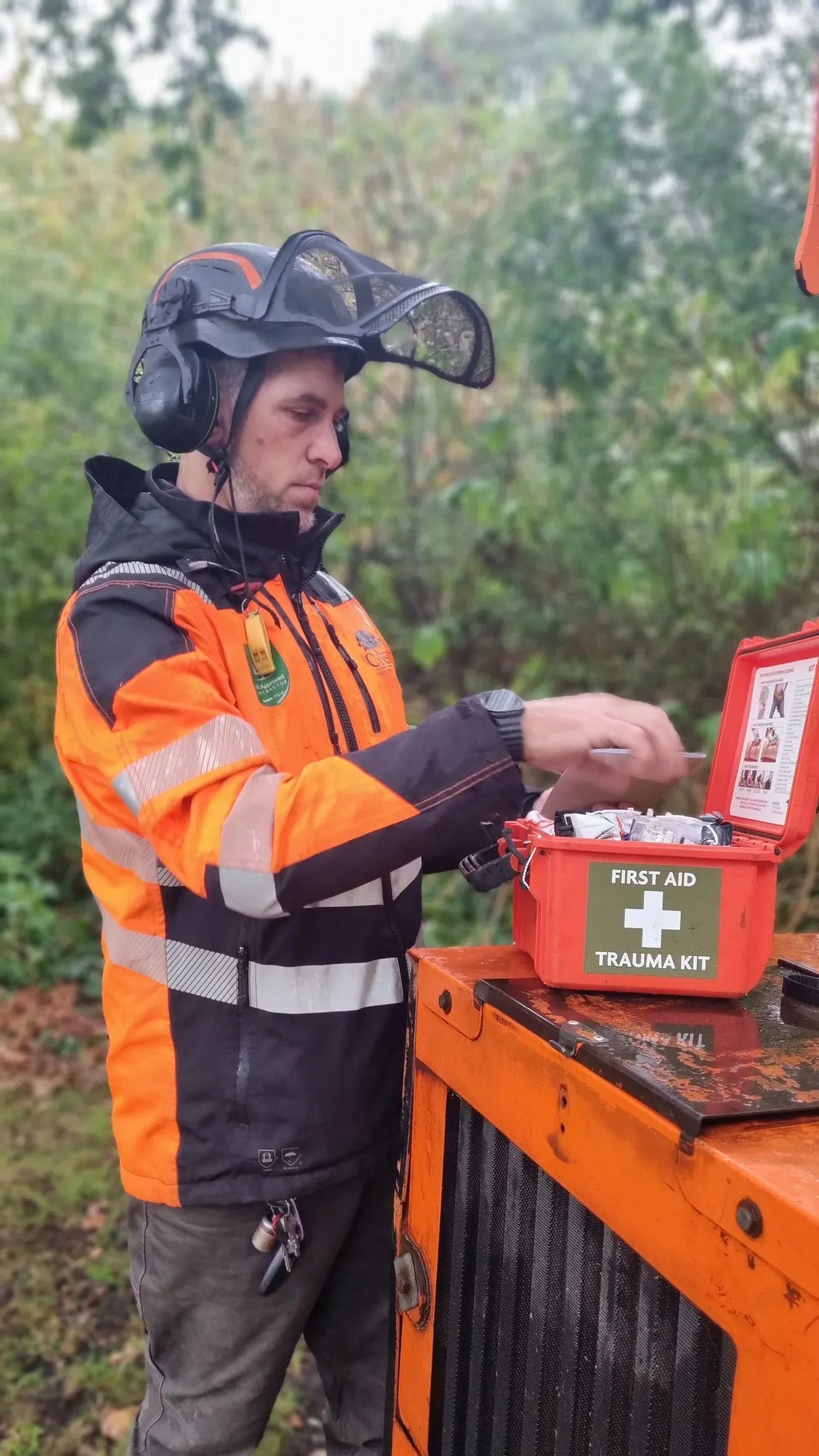
An arborist checking the contents of a first-aid kit beside a wood chipper

Know when first-aid training needs renewing.

Keep first-aid training information alongside the team’s other qualifications, with relevant expiry dates recorded against the person.

Review the records and warnings in one place when planning renewals, rather than searching through separate lists.

A routine you can keep on top of.

Keep the information current as people join, complete training and renew their qualifications.

  1. Add your team

    Set up the people and roles in your business.

  2. Record their training

    Add qualifications, competences and first-aid training information.

  3. Check the dates

    Review expiry dates and warnings on the team list.

  4. Keep it current

    Update records after renewals and keep completed toolbox talks available.

“Simple, intuitive and reliable.”

Dan Richards

CEO, Melius Innovations

Melius Innovations

Manage equipment assignments, LOLER and PUWER inspection records, service history and due dates in the same ArbHub account.

Explore equipment & inspections

Training & competence questions

What training information can I keep in ArbHub?

Keep team profiles, roles, qualification records, competences and first-aid training information together, including relevant expiry dates.

How do I see which training is coming up for renewal?

Record the relevant competence and training expiry dates. Warnings appear on the team list, so you can review which records need attention when planning renewals.

Can I receive push notifications before competences expire?

Yes. ArbHub supports push notifications for competences coming up for expiry. Enable notifications for ArbHub on your device to receive them. You can also review expiry warnings on the team list.

Can I record who attended a toolbox talk?

Yes. Record the topic, facilitator, date, notes and supporting files, then collect attendee signatures. Scheduled and completed talks stay available to review.

Can I manage records when the crew changes?

Yes. Invite, deactivate and reactivate team members, and manage their access to clients, files, equipment and safety documents through permissions.

Can I export team records?

Yes. Team records can be downloaded as a CSV file for review and reporting.

Let’s look at how you manage your team’s records.

Book a free 30-minute demo with Sam or Simon. We’ll walk through team profiles, qualification records, push reminders and toolbox talks.

Free 30-minute video call.No sales team. No hard sell.

Necessary storage is always on. We save your cookie preferences on this device for up to six months.