
Bring your clients across
Import client details from QuickBooks Online.
- Use those clients in your ArbHub records.
- Spend less time entering the same contact information.
ArbHub + QuickBooks Online
Bring your client list from QuickBooks Online into ArbHub. Use those details when organising work and safety records, with less copying and pasting between systems.
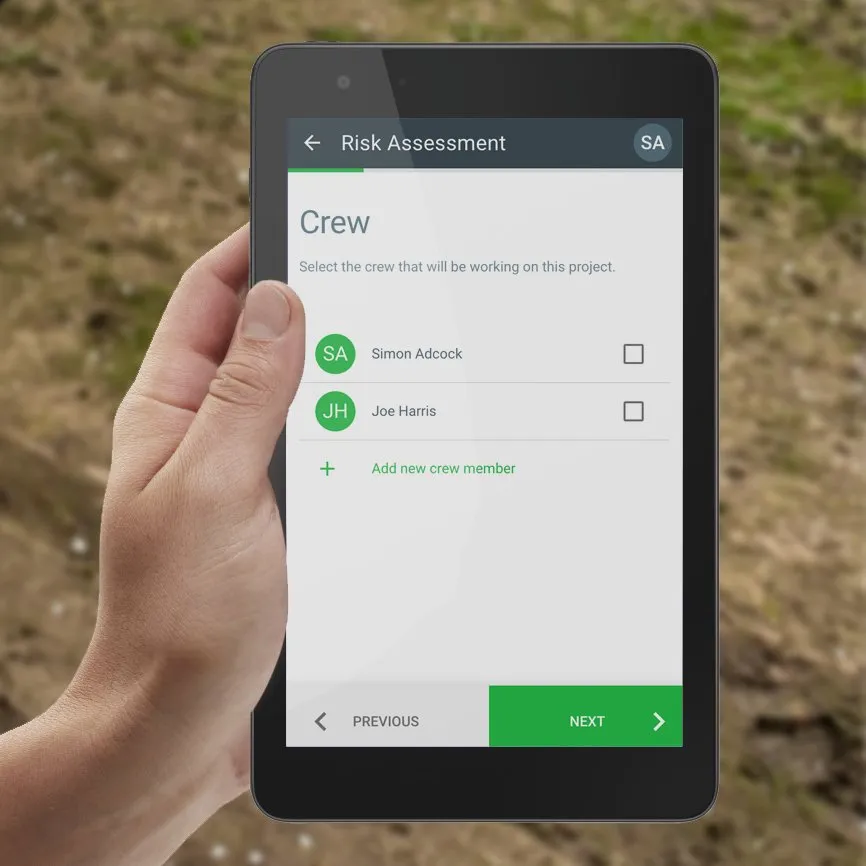
Your existing information, connected
Start with the client information you already keep in QuickBooks, then organise the work and site documentation in ArbHub.
Import client details from QuickBooks Online.
Choose the imported client when setting up your work.
Use ArbHub for the hazards, controls and crew signatures.
Continue using QuickBooks Online for your accounts.
We’ll walk you through the connection and a typical job on your free demo.
Connect your QuickBooks Online account to ArbHub.
Bring the client list into ArbHub.
Choose the client and add job and site details in ArbHub.
Record the site-specific hazards, controls and sign-off.
Explore the risk-assessment workflow, crew signatures, offline working and access to completed records back in the office.
Explore site-specific risk assessmentsThe integration imports clients from QuickBooks Online so you can use their details in ArbHub.
The ArbHub integration described here imports clients. Estimates and projects are outside its current import scope.
Choose the imported client when organising work in ArbHub, then add the job and site details for the assessment.
Yes. Keep your accounting workflow in QuickBooks and use ArbHub for your arboricultural safety records.
Book a free 30-minute demo with Sam or Simon. We’ll show you how the integration fits the way your business works.
Free 30-minute video call.No sales team. No hard sell.